Codice destinatario
What the codice destinatario is, how to register it with the Agenzia delle Entrate, and what changes with Getbeel.
The codice destinatario (recipient code) is the 7-character code that tells SDI where to deliver the invoices addressed to you. If you register it as your indirizzo telematico (electronic address), it applies to all your invoices, whatever code the supplier writes.
The rules in short
| How it works | |
|---|---|
| Who assigns it | The channel that receives invoices for you: a software or an intermediary. Alternatively, you use a PEC address. |
| Indirizzo telematico | The code (or PEC) you register in the Fatture e Corrispettivi portal. It overrides the one on the invoice. |
| No registered address | SDI uses the code or PEC written by the supplier. |
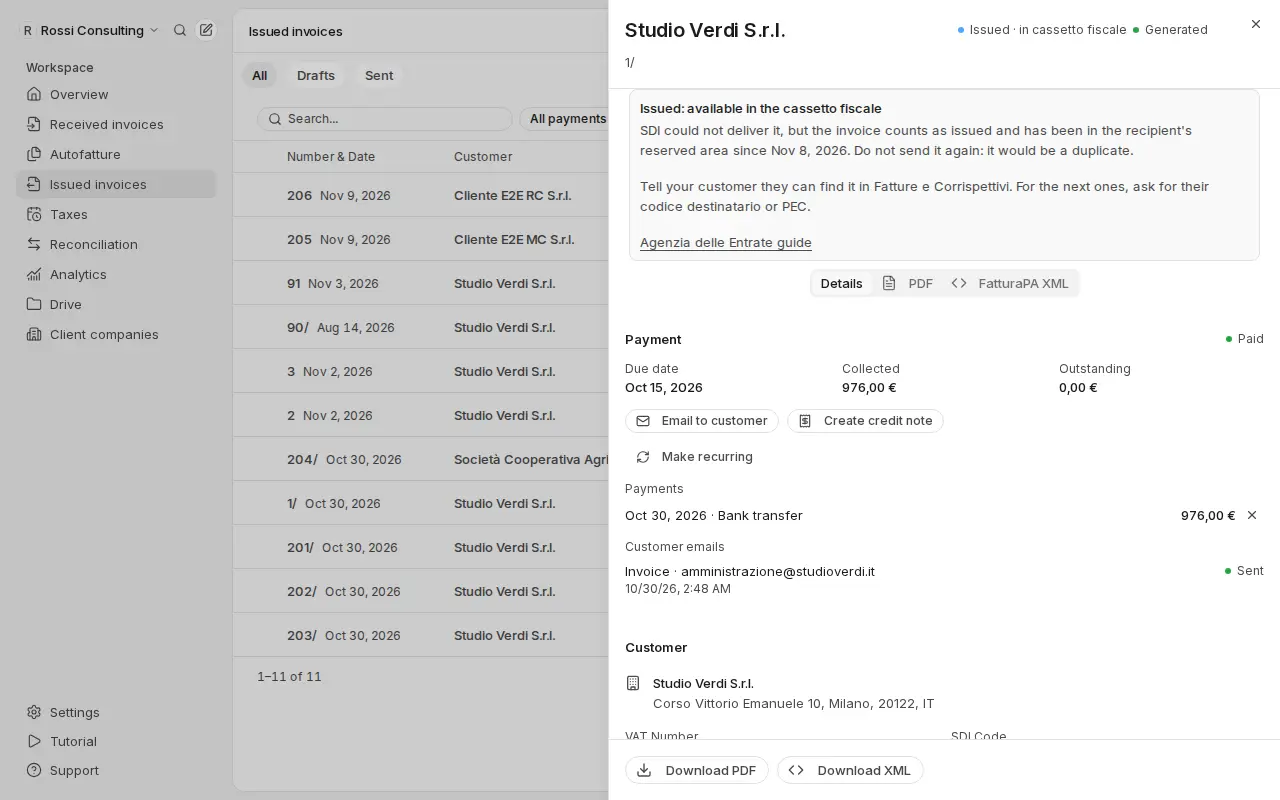
| Undeliverable invoices | They stay in your reserved area in Fatture e Corrispettivi. |
| Sending invoices | You don't need to register anything: the code only concerns receiving. |
Source: Agenzia delle Entrate, La fattura elettronica e i servizi gratuiti (December 2025), pp. 18–20 and 25.
Getbeel's codice destinatario
Getbeel can receive your suppliers' invoices straight from SDI. They arrive in Received invoices with the SDI badge, already read from the XML, next to the ones collected from email. If the same invoice arrives both by email and from SDI, Getbeel keeps it only once.
Before you start
- An Italian company with a P.IVA (or codice fiscale), tax regime and address in Settings → Company.
- The SDI add-on turned on, from Settings → Usage & billing. Each invoice received from SDI is paid (Pricing).
- Access to Fatture e Corrispettivi with SPID, CIE or CNS, as legal representative or with a delegation.
- The right role: only members who manage the team settings can turn receiving on.
Steps
Check what is missing
Open Settings → SDI receiving. The What is missing list shows the steps to complete, each with its link.
Turn on receiving
Press Turn on receiving. Getbeel shows Your codice destinatario, with a Copy button.
Register the code as your indirizzo telematico
Press Open Fatture e Corrispettivi and sign in. Open Fatturazione elettronica e Conservazione, then Registrazione dell'indirizzo telematico. In some versions it is called Registrazione delle modalità di ricezione.
Choose Codice destinatario, paste the code and confirm. The Agenzia shows you the registration receipt.
Confirm in Getbeel
Go back to Settings → SDI receiving and press I registered the code.
What just happened
- Getbeel receives for your P.IVA. The receiving status is Active.
- SDI delivers everything to Getbeel. The registered address overrides the code written by suppliers.
- Your previous address is replaced. If you used another software or a PEC, from now on invoices arrive only in Getbeel.
- Invoices show up in Received invoices with the SDI badge. Filter them with See SDI invoices.
If you don't register the code, Getbeel only gets invoices from suppliers who write it on the invoice.
If it fails
| Message | Cause | Fix |
|---|---|---|
| "Complete the company data first (P.IVA, regime fiscale, address)." | Company details are missing | Complete Settings → Company |
| "Receiving through SDI needs the SDI add-on. Turn it on in Billing." | The SDI add-on is missing | Open Settings → Usage & billing |
| "Another Getbeel workspace already receives invoices for this P.IVA. Write to us if it is yours." | The P.IVA is active in another team | Contact support |
| "The SDI channel did not answer. Try again in a few minutes." | The receiving channel did not answer | Press Try again |
| "Only members who manage the workspace settings can turn receiving on." | Your role cannot do this | Ask an Owner |
With Turn off receiving, Getbeel stops receiving for this P.IVA. Change your indirizzo telematico in the portal, or new invoices will only reach your cassetto fiscale.
Frequently asked questions
If I don't register anything, do I lose invoices? No. Undeliverable invoices stay in your reserved area in Fatture e Corrispettivi. But you have to go and fetch them yourself.
Do I still need to give the code to suppliers? The registered address is what counts. Giving suppliers the right code avoids confusion.
Can I keep using email? Yes. Connected mailboxes and forwarding keep bringing invoices into Getbeel, without duplicates.