Received invoices
Invoice management
Collect supplier invoices from email, uploads and SDI: the AI reads and classifies them.
Received invoices collects your suppliers' invoices in a single list. The AI reads each document and extracts the supplier, amounts, dates and lines.
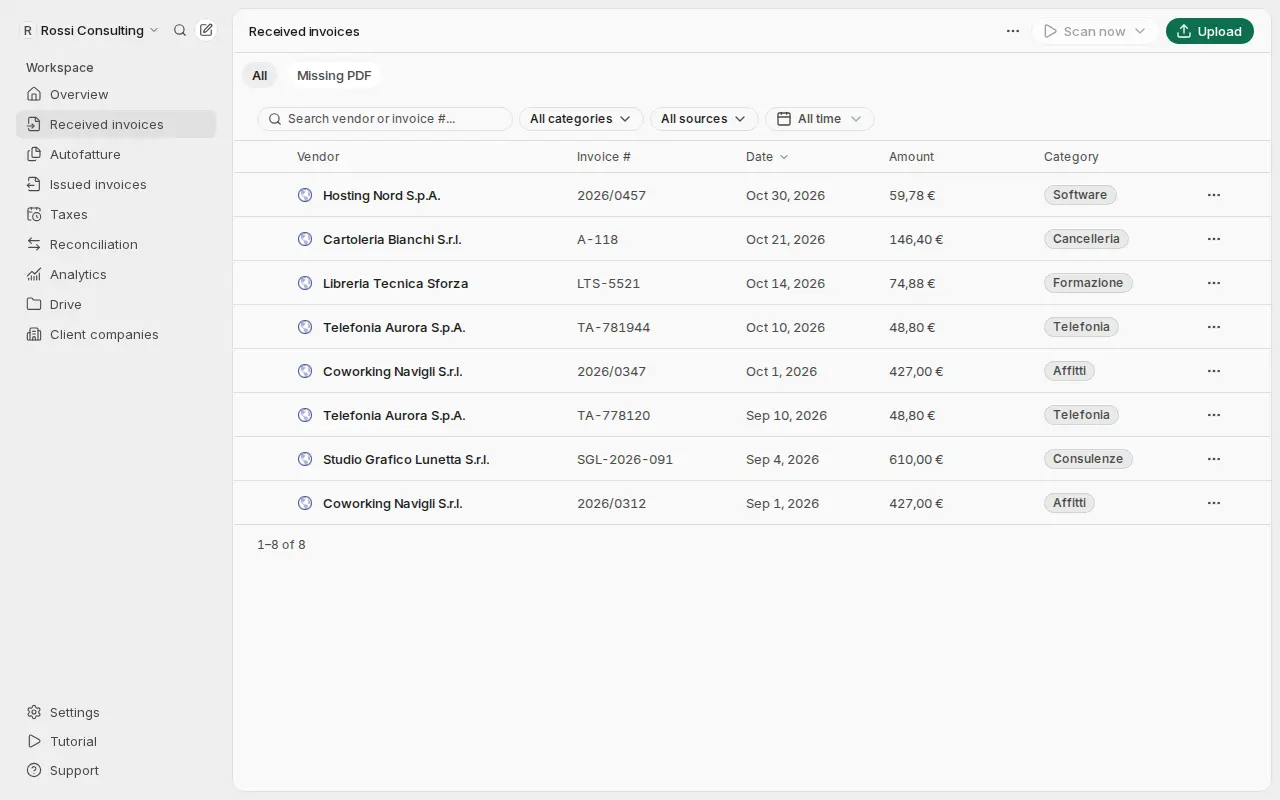
Where they come from
| Source | How | Guide |
|---|---|---|
| Mailboxes | Gmail, Outlook or IMAP, checked every day | Email connections |
| Forwarding | You forward emails to your Getbeel address | Email connections |
| Upload | Upload in Received invoices: PDFs or images | AI extraction |
| SDI | Your suppliers' e-invoices, with the SDI badge | Codice destinatario |
If the same invoice arrives from two sources, Getbeel keeps it only once.
What happens to each invoice
- It arrives from one of the sources above.
- The AI reads it: supplier, number, dates, amounts, VAT and lines.
- It gets a category, following your categories and AI rules.
- You check it on its detail page and export it for your accountant.
The full path and the statuses are in Invoice workflow.
Before you start
- An active plan. Connecting mailboxes and uploading files need a plan.
- Cost. Each document the AI reads uses one invoice credit. Invoices received from SDI have their own price (Pricing).
- Your company details in Settings → Company: they help the AI recognize invoices addressed to you.